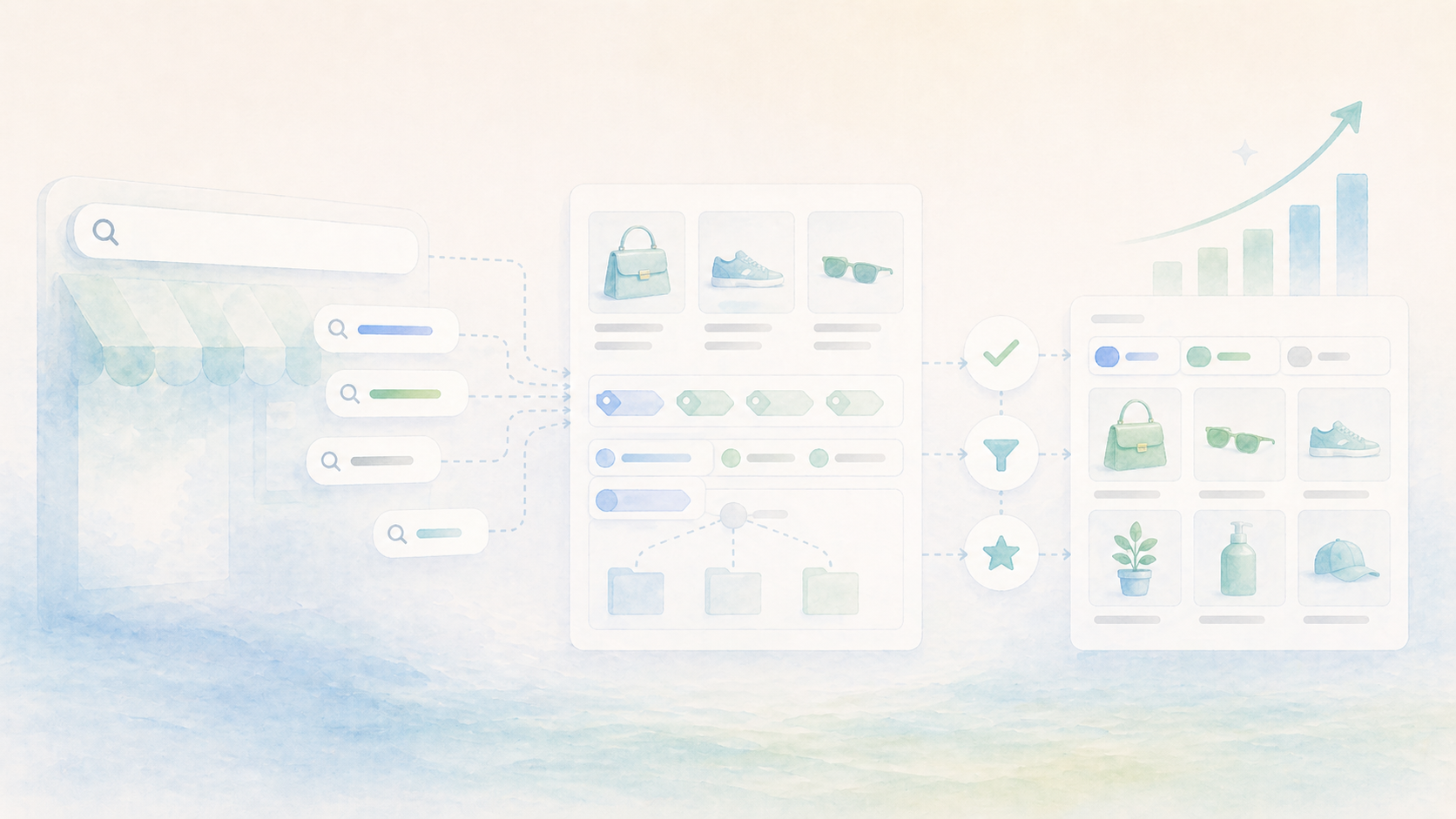
Most Shopify stores treat search as a feature. Install an app, configure the weights, enable autocomplete, done. Move on to the next thing.
But search is not a feature. It is a signal. Every query typed into that bar is a customer admitting that your store did not show them what they needed through browsing alone. They scrolled. They clicked a collection or two. They scanned your filters. And then they gave up and typed words into a box, hoping the store would figure it out.
That is not a failure of your search app. It is a failure of structure.
A search query is not a request. It is feedback. Treat every popular query as a support ticket your catalog filed on itself.
What your search bar knows about you
When a customer types "red dress size 8," they are not searching because they enjoy typing. They are searching because they scrolled through your dress collection and could not filter by color, or by size, or the collection was organized by something that made sense to your merchandiser but not to them.
When someone searches "gift under 50," they are telling you they could not find a price-based collection or a gifting section. When they search "does this come in blue," they have already found the product page but your variant structure did not answer the question fast enough.
Search queries cluster into three types, and each one points to a different structural problem:
- Navigation failures. Queries like "mens jackets," "sale items," "new arrivals." These are requests for pages that should exist but do not, or exist but are not findable from where the customer was standing.
- Attribute gaps. Queries like "waterproof," "organic cotton," "USB-C compatible." These are filters your customers expected but your tags do not support.
- Confidence gaps. Queries like "sizing chart," "return policy," "real photos." These are trust problems your product pages have not resolved.
The first two are catalog problems. The third is a content problem. All three show up in search data, and most stores never look.
Tags are the infrastructure you never see
Here is the thing about tags that makes them easy to ignore: when they work, nothing visibly happens. Products just appear in the right collections. Filters just have the right options. Search just returns relevant results. Nobody celebrates the absence of friction.
When tags do not work, everything quietly degrades. A customer searches "linen" and gets three of your forty linen products because only three are tagged. Someone filters by "casual" and sees twenty products when there should be eighty. A collection called "Summer Essentials" has six items because nobody tagged the rest.
Tags are not labels. They are the routing layer between your products and your customer's intent. A missing tag is a missing connection. A misspelled tag is a broken one. An inconsistent tag — "Water-Resistant" vs "Water Resistant" vs "Waterproof" — is three connections where there should be one.
The problem compounds because tags are usually created at the moment of least attention: during a bulk import, at the end of a product setup, by whoever happened to be working that day. There is no schema, no review, no contract for what a tag should mean. So each product gets whatever seemed right in the moment, and the catalog slowly becomes a pile of good intentions that do not interoperate.
Better search comes from less searching
The counterintuitive metric for catalog health is not search success rate. It is search usage rate.
A store where 40% of visitors use search is not a store with great search. It is a store with poor navigation. A store where 12% use search, and those searches consistently succeed, has a catalog that works for most people before they ever need the search bar.
This reframing matters because it changes where you invest. Instead of optimizing search relevance alone, you start asking: why are people searching for this at all? What collection is missing? What filter would have surfaced this? What tag would have connected this product to the right browsing path?
The best catalog work makes search boring. Not broken — boring. A fallback that rarely fires, not a crutch that everyone leans on.
When your search usage goes down and your conversion stays the same, something good happened. Your catalog got easier to browse.
A practical audit in thirty minutes
You do not need an analytics degree. You need your search logs and half an hour.
- Pull the top 50 search queries from the last 90 days. Most Shopify search apps and analytics tools surface this directly.
- For each query, ask: should browsing have answered this? If someone searched "black boots," do you have a collection and filters that would have shown them black boots without typing?
- Group the queries: which are missing collections, which are missing filters, which are missing tags, which reveal content gaps on product pages?
- Pick the top five by volume. Fix the structural problem, not the search result. If "organic" is a common query, tag every organic product and create a filter — do not just hope the search algorithm figures it out.
- Revisit in 30 days. Watch those queries shrink in volume. That is the signal that you fixed the actual problem instead of papering over it.
This is not glamorous work. It is the most leveraged work in your catalog.
Listen to the bar
Your search bar will tell you everything that is wrong with your store if you let it. It is an unfiltered stream of customer intent, frustration, and expectation — expressed in their words, not yours.
The stores that get better are not the ones with the fanciest search app. They are the ones that treat search queries as feedback, fix the catalog structure underneath, and watch the search bar get quieter over time.
A great catalog does not need great search. It makes search almost unnecessary.